Skip to content

Changelog

Product updates, improvements, and fixes across AeroNexus.

v2.18.0

2.18.0 - AeroNexus Embeds

Embeds / Dashboard

AeroNexus Embeds gives your announcements a layout of their own. Build a custom link preview in the dashboard, then share its permanent link in Discord for community news, advertisements, or product updates.
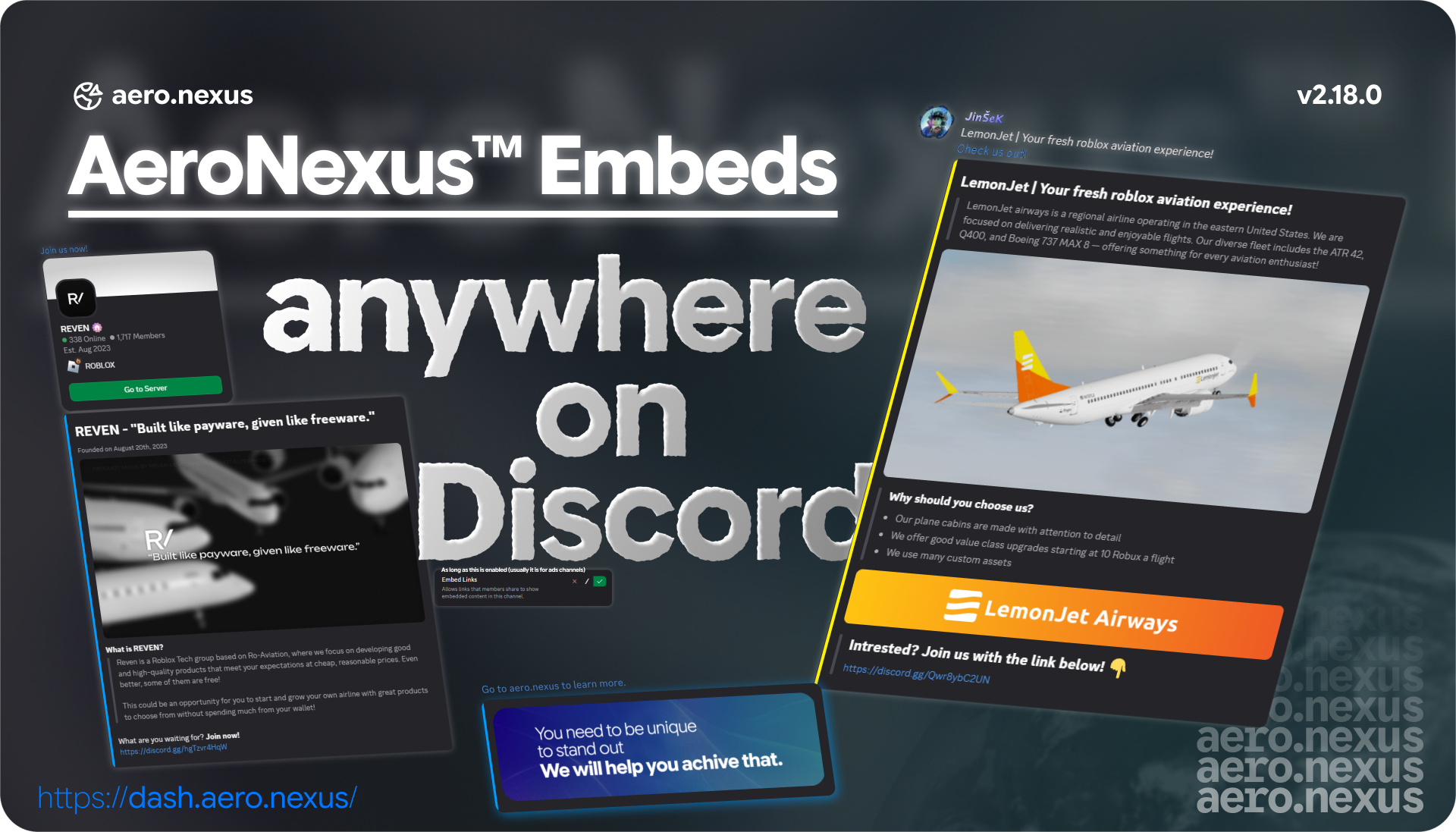
Custom AeroNexus Embeds displayed in Discord in version 2.18.0

  • Combine formatted text, images, galleries, separators, and website buttons.
  • Preview your layout as you build it in Discord Embeds.
  • Publish an embed and copy its link to share in Discord yourself.
  • Update a published embed while keeping the same link. Already-sent Discord messages don't update; send the link again to share the new version.

Examples of advertisements built with AeroNexus Embeds

Read the Embeds guide to create your first preview and check what you need before you begin.
v2.17.0

2.17.0 - Dashboard reborn II

Dashboard / Performance / Bug Fixes

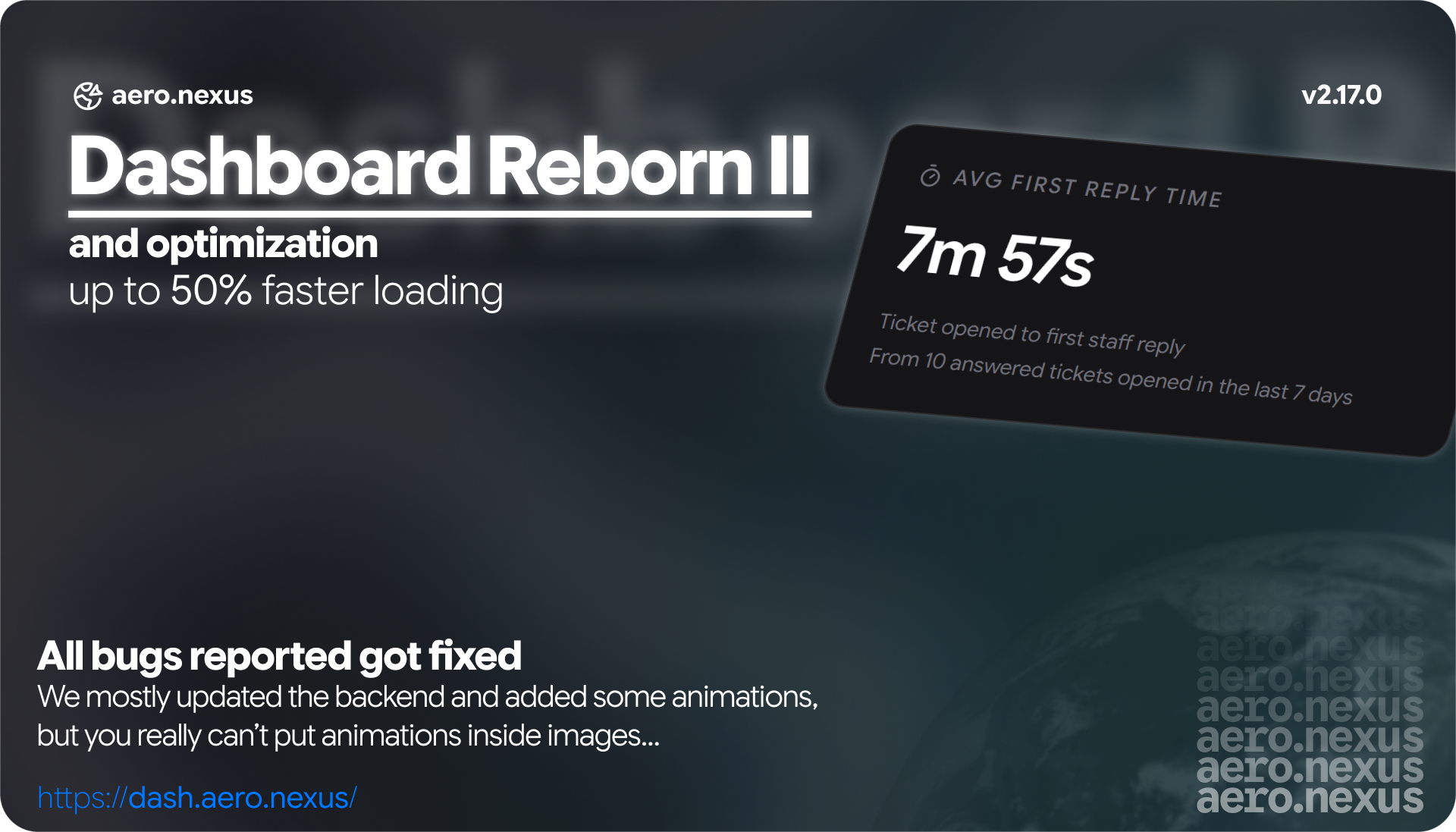
Dashboard reborn II builds on the refreshed dashboard with faster loading, animation improvements, and fixes for reported issues. Spend less time waiting as you move through your community's tools.

Dashboard reborn II performance and animation update in AeroNexus 2.17.0

  • Load the dashboard faster with performance improvements.
  • See smoother transitions with updated dashboard animations.
  • Get fixes for reported bugs alongside improvements behind the scenes.
v2.16.1

2.16.1 - Commands and customization fixes

Dashboard / Bug Fixes

This update fixes issues on the Commands and Customization pages as you configure your bot in the dashboard.

  • Fixed issues on the Commands page.
  • Fixed issues on the Customization page.
v2.16.0

2.16.0 - Dashboard reborn

Dashboard / Improvements

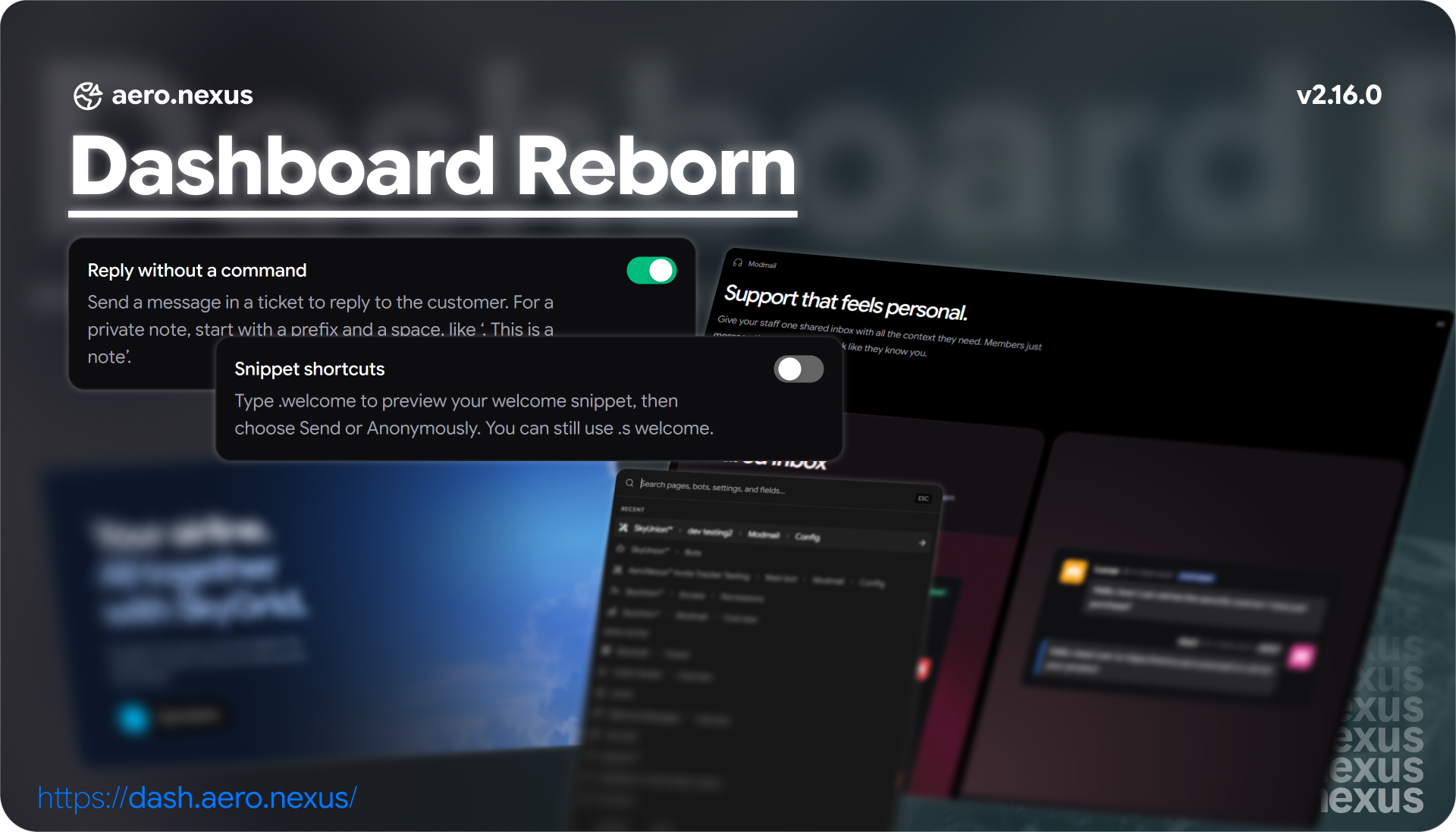
Dashboard reborn refreshes the space you use to manage your community. Updated navigation helps you move between your group's tools, while the feedback prompt gives you a way to tell us what's working and what needs attention.

Refreshed dashboard navigation and feedback prompt in AeroNexus 2.16.0

  • Find your group's tools through the refreshed dashboard navigation.
  • Share your experience through the dashboard feedback prompt.
  • Explore an updated dashboard appearance across your everyday tasks.
v2.15.0

2.15.0 - Dashboard access

Dashboard / Permissions

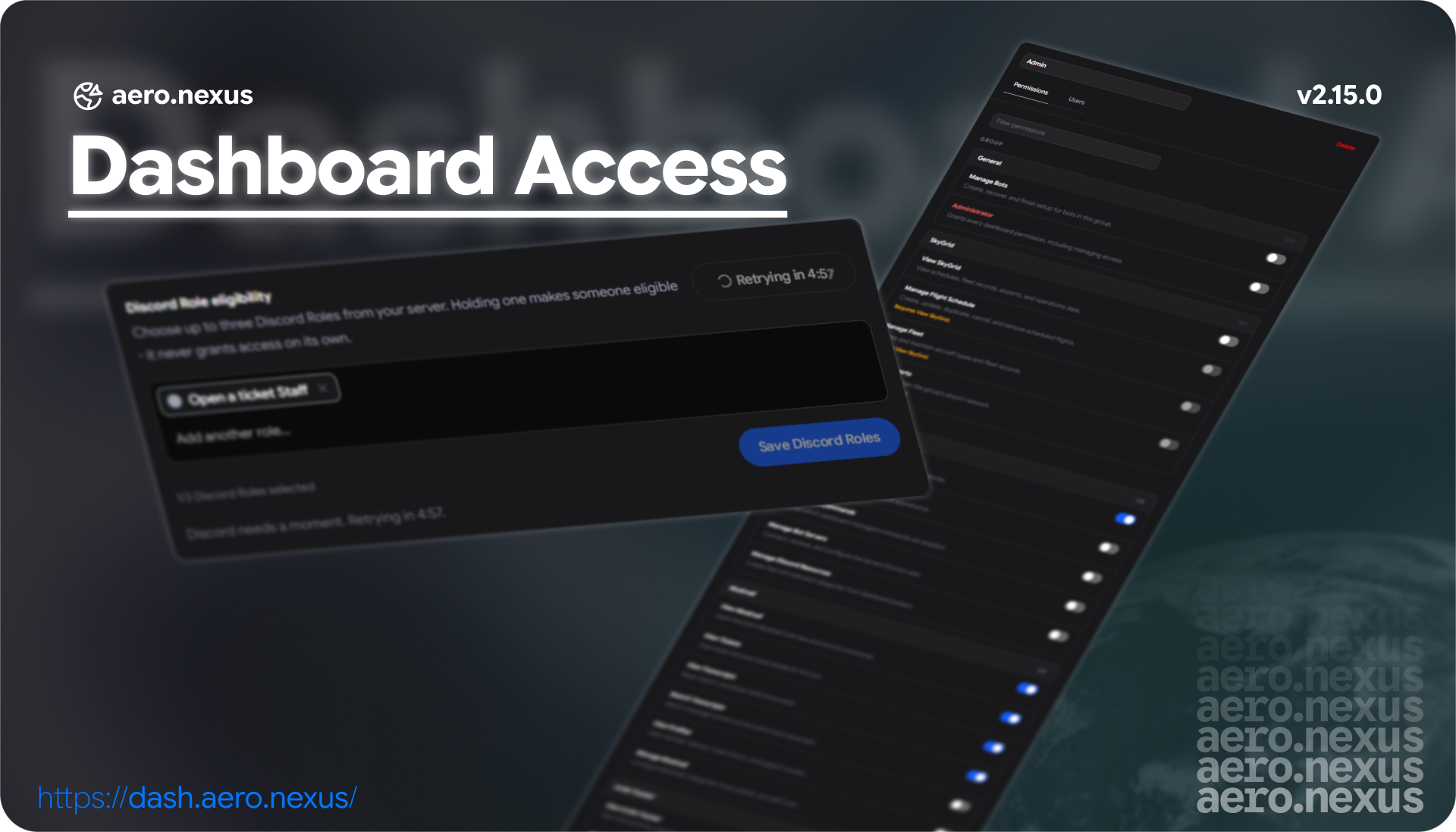
Dashboard access gives you control over who can help manage your group and which tools they can use. Set up Dashboard Roles for your team, choose their permissions, and approve members individually.

Dashboard access settings and role permissions in AeroNexus 2.15.0

  • Create Dashboard Roles with the permissions each team needs.
  • Link Discord Roles to define who is eligible for a Dashboard Role.
  • Grant access to individual members once they're eligible. A Discord Role alone doesn't give someone dashboard access.
  • Keep full control of your workspace as the group owner.

Read how dashboard access works to plan access for your team.

v2.14.0

2.14.0 - Modmail overview improvements

Modmail / Dashboard

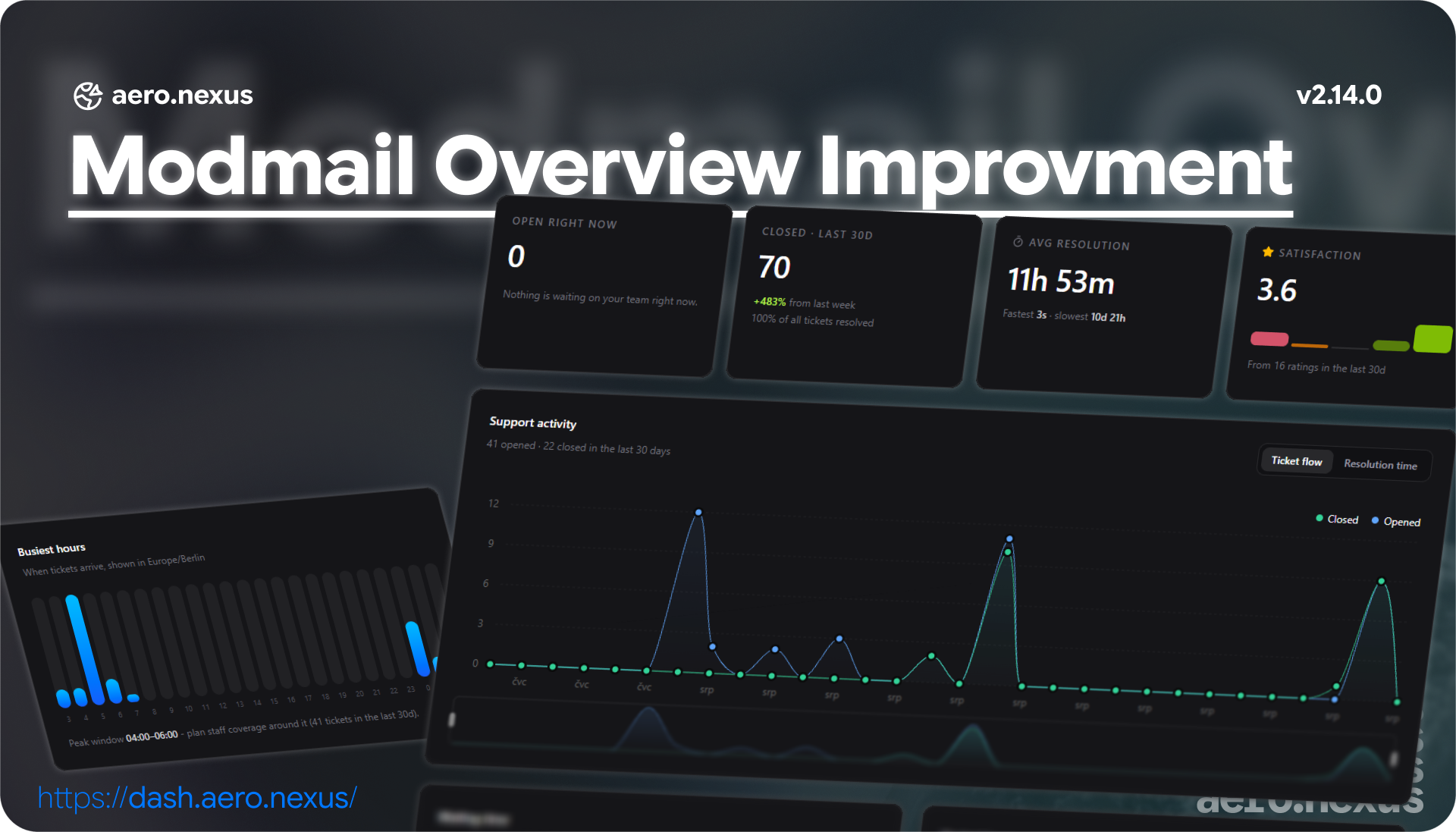
The refreshed Modmail overview brings your support activity into focus. Check ticket volume, response times, and satisfaction together to see where your team needs attention.

Modmail overview with support metrics and activity charts in AeroNexus 2.14.0

  • Review support activity with updated overview cards and charts.
  • See how quickly members receive a first reply and how long tickets take to resolve.
  • Read member ratings alongside your support metrics for more context.
v2.13.0

2.13.0 - Optimization and Improvements

Performance / Dashboard

AeroNexus 2.13.0 Optimization and Improvements

  • Rehaul of the Rating feature.
  • Improved dashboard caching and speeds.
  • Improved speed, reliability, and caching across all bots.
  • Real-time tickets in the dashboard.
  • More improvements throughout the platform.
v2.12.1

2.12.1 - Invite Tracker Commands

Invite Tracker / Commands

AeroNexus 2.12.1 Invite Tracker Commands

  • Added /invite-tracker leaderboard to see the top inviters in your community at a glance.
  • Added /invite-tracker user to look up a member's invites, including who sent them and when.
  • Track every invite in one place, from who sent it and when, to whether it was accepted.

Commands

/invite-tracker leaderboard
/invite-tracker user
v2.12.0

2.12.0 - Invite Tracker

Invite Tracker / Analytics

AeroNexus 2.12.0 Invite Tracker

  • Added a central Invite Tracker for viewing referral activity in one place.
  • Track who created an invite, how many joins it produced, and whether invited members stayed.
  • Added inviter-level metrics including total invites, confirmed joins, members left, retained members, and score.
  • Makes it easier to identify active inviters, recognize contributors, and follow community growth over time.
v2.11.0

2.11.0 - Nested Categories

Categories / Organization

AeroNexus 2.11.0 Nested Categories

  • Added parent and child categories for more flexible organization.
  • Supports multiple levels of category structure for larger content and support setups.
  • Keeps related discussions, resources, products, support topics, and other content grouped together.
  • Reduces clutter and helps members reach the right information faster.
  • Gives communities a structure that can grow without flattening every option into one long list.
v2.10.2

2.10.2 - Simulation

Welcome Messages / Testing

AeroNexus 2.10.2 Simulation

  • Added simulation tools for testing automated welcome-message behavior before relying on live events.
  • Simulate a member joining, member leaving, or a server boost.
  • Sends the saved messages that match the selected server and event, making configuration checks much faster.
  • Helps verify message content and routing without waiting for a real member event.
v2.10.1

2.10.1 - Boost Messages

Welcome Messages

AeroNexus 2.10.1 Boost Messages

  • Added Boost messages to the Welcome Messages system.
  • Servers can now automatically respond when a member boosts a linked server.
  • Boost messages use the same customizable message workflow as other welcome-message events.
  • Supports personalized content such as member mentions through variables.
v2.10.0

2.10.0 - Welcome Messages

Welcome Messages

AeroNexus 2.10.0 Welcome Messages

  • Added Welcome Messages for member join and leave events.
  • Automatically greet new members or send a message when someone leaves a linked server.
  • Messages can include dynamic variables such as member mentions.
  • Gives communities a dashboard-managed alternative to manually maintaining join and leave responses.
v2.9.0

2.9.0 - Variables Update

Variables / Modmail

AeroNexus 2.9.0 Variables Update

  • Expanded variables throughout the Modmail module instead of limiting them to a small set of messages.
  • Variables can now be used in category welcome messages, close messages, snippets, rating messages, and more.
  • Added a searchable variables browser to make available values easier to discover.
  • Supports richer dynamic content such as user details, ticket information, and calculated values.

Example

Hello {{user.mention}}! Thanks for contacting us.
Ticket ID: {{ticket.number}}
Average resolution time: {{ticket.average_resolution_time}}
v2.8.0

2.8.0 - Reminders

Reminders / Text Utils

AeroNexus 2.8.0 Reminders

  • Added personal reminders as part of Text Utils.
  • Members can schedule reminders and manage them later without leaving Discord.
  • Added commands for quick reminder creation and reminder management.
  • Establishes the foundation for future automation features.

Commands

/remindme
/reminder create
/reminder list
v2.7.0

2.7.0 - New Commands & Quality-of-Life Improvements

Commands / Modmail

AeroNexus 2.7.0 New Commands

  • Added /modmail changecategory for moving an existing ticket to another category.
  • Added /modmail reopenticket for reopening a closed ticket when work needs to continue.
  • Added /modmail createticket for staff-driven ticket creation.
  • Included additional quality-of-life improvements around Modmail workflows.

Commands

/modmail changecategory
/modmail reopenticket
/modmail createticket
v2.6.0

2.6.0 - Ratings & Feedback

Ratings / Analytics

AeroNexus 2.6.0 Ratings and Feedback

  • Added Customer ratings for collecting feedback after a ticket closes.
  • Added rating analytics including average score, response count, and score distribution.
  • Ratings can include optional written feedback for more context than a numeric score alone.
  • Admins can customize the feedback invitation, rating style, and thank-you message.
  • The feature can be enabled or disabled from configuration.
v2.5.0

2.5.0 - Transcript Viewer Improvements

Transcripts / Modmail

AeroNexus 2.5.0 Transcript Viewer Improvements

  • Added a new Channel view alongside the existing Conversation view.
  • Transcript rendering now exposes more of what happened in a ticket, not just plain messages.
  • Added visibility for embeds, containers, commands, buttons, dropdowns, and other interaction data.
  • Makes transcripts more useful for reviewing the actual flow and context of a conversation.
v2.4.0

2.4.0 - Close Messages & Close Snippets

Modmail / Automation

AeroNexus 2.4.0 Close Messages and Close Snippets

  • Added configurable Close messages for each ticket category.
  • Added configurable Close snippets that can be sent after the close message.
  • Both can run automatically whenever a ticket in that category is closed.
  • Added a temporary silent-close option when no automatic closing content should be sent.
  • Also shipped dashboard website fixes and new public-facing pages.

Silent close

/modmail close silent:True
v2.3.0

2.3.0 - Text Utils

Text Utils / Moderation

AeroNexus 2.3.0 Text Utils

  • Added Text Utils, allowing staff to send polished messages through AeroNexus.
  • Configure which roles may use Text Utils while administrators retain access.
  • Added moderation logging for who sent each message, where it was posted, and its contents.
  • Added configurable default message style and accent color.
  • Added control over live role, @here, and @everyone mentions.
  • Fixed problems with the /modmail close command.
v2.2.0

2.2.0 - Categories & Message Colors

Categories / Customization

AeroNexus 2.2.0 Categories and Message Colors

  • Split the old Categories page into dedicated Categories and Ticket Menu pages.
  • Categories now define the organizational structure, while Ticket Menu controls how customers can open tickets.
  • A category can exist without allowing customers to open a ticket in it directly.
  • One category can support multiple ways to start a ticket.
  • Added more control over AeroNexus message colors.
v2.1.0

2.1.0 - Panels

Panels / Tickets

AeroNexus 2.1.0 Panels

  • Released Panels publicly for opening tickets directly from Discord channels.
  • Panels are reusable ticket launchers created and managed from the dashboard.
  • Customize the panel message and choose which ticket categories customers can access.
  • Choose between a dropdown flow and a direct single-button ticket flow.
  • Removes the need for customers to DM the bot and navigate a separate menu before opening a ticket.

Starting points

  • All categories: show every top-level ticket option.
  • Selected categories: show only the options selected by the team.
  • One category: send customers directly into one ticket flow.
v2.0

2.0 - The Biggest AeroNexus Release Yet

Dashboard / Platform

AeroNexus 2.0

Status: Production

  • Introduced the first AeroNexus dashboard, creating a central place to configure and manage the bot.
  • Rebuilt the backend from the ground up for better performance, stability, reliability, and future growth.
  • Refreshed AeroNexus branding across bots, the dashboard, and related services.
  • Introduced the foundation for Panels, improved category and ticket-menu configuration, Welcome snippets, customizable message colors, and Text Utils.
  • Fixed most known bugs and improved configuration workflows across the platform.